
Here is the collection of what I’ve worked on in AR, VR, ranging from mobile, HMD, to projections. Recent years my work at Unity focused more in the 3D tooling space and I decided to use this page as a self-record, not one that is polished for a public design portfolio page. Feel free to dig around, there is still a lot of interesting ideas that I wished I could have more time and proper resource to work on.
Annotate All!
A Perspective Preserved Annotation System for Asynchronous Collaboration based on Head Mounted Display Augmented Reality
Keywords
AR
Spatial interaction design
Magic Leap One
Solo Project
Role
Interaction Designer and developer
Tool
Magic Leap SDK
Unity
Sketch
Date
Jan 2019 - June 2019
Intro
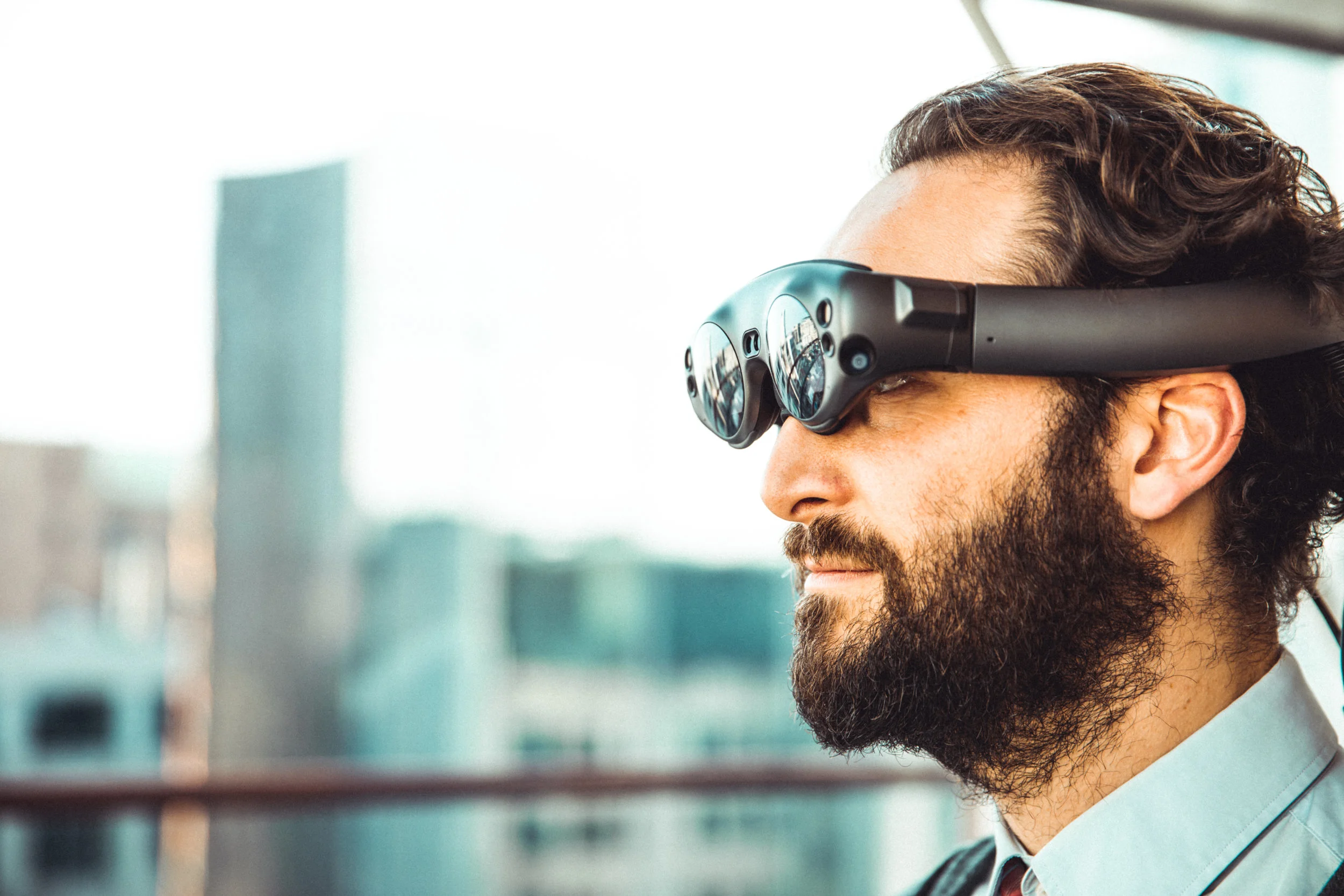
“Annotate all!” is an interaction design research project done at the Cornell Tech Connected Experience Lab - Mixed Reality Group lead by Serge B. and Harald H.. A spatial annotation system is designed and built with Magic Leap One (an augmented reality headset) allowing asynchronous annotation. We are excited to explore a potential way of how human could interact with the real world with Head-mounted AR display. The project was accepted to the CV4AR/VR workshop at one of the most important computer vision conference - CVPR
Augmented Reality
It superimposes virtual content over the real-world environment.
It is interactive, cameras are commonly used to gather information about the surroundings of the user and the data become digitally manipulatable by computer vision.
It is registered in three dimensions.
AR Headset
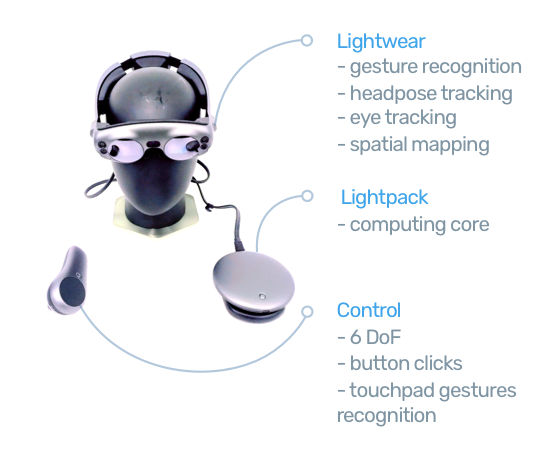
Core Questions
Before jump in to the system, four questions need to be answer to form a clearer picture of why you should care.
Why annotation?
Annotation is a fundamental technique for sharing information. We leave notes, illustrations, signs to guide others through an intricate sequence of information such as operating a machine or familiarizing a new environment. It is the essential way to meaningful content creation which is the fundamental of the success of a new media.Why asynchronous?
Asynchronous interaction allows us to share information across timespan and it makes meaningful interaction scalable. It is so common to see asynchronous annotation in mixed reality games and professional training softwares.Why preserve perspective?
In annotations, angle of vision information help foster clearer communication. For example, a technician might be looking at the indicator light above the valve that he is operating. If we were on the side of the technician, we would naturally follow the angle of view of this technician and learn that the indicator light is related to the valve. On the other hand, if this kind of interaction is recorded without preserving the technician’s perspective, it is difficult for viewers to link those details together.Why now?
Developer-ready headsets armed with powerful sensors are becoming more accessible than ever, i. Magic Leap One and Microsoft Hololens. In the past, we annotate physically in real world, digitally in virtual world. We learn to interact with digital information by haptic input such as keyboard, mouse clicks, and touches on devices. Then there was the rise of voice interface smart home products that requires less learning, we simply need to speak to perform tasks. Although none of the above is perfectly intuitive, we see a trend of us human want to interact “naturally.”
Now, we are grant with these headsets to explore new ways to interact with the world. By combining our gestures, voices, views, and other inputs sources, we are able to see virtual content overlaying on to the real world immersively, and we could use either barehands or controller to interact with digital content intuitively. It opens up new ways of interaction design possibilities.
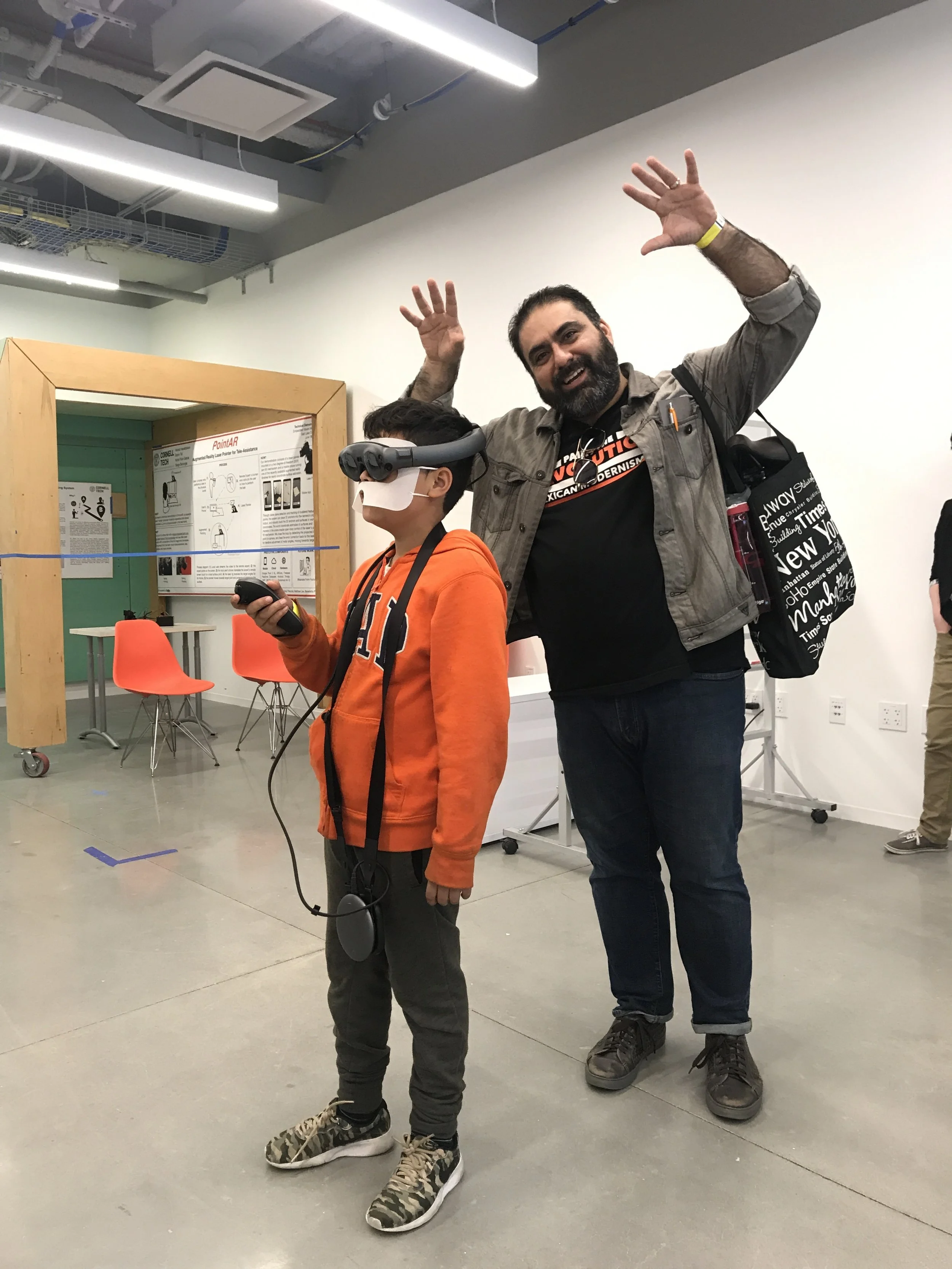
“This is so cool! I was like watching Andrew’s (friend of Tim) ghost teaching me how to read this poster board right in my view! And I could watch it at any angle!?”
System overview
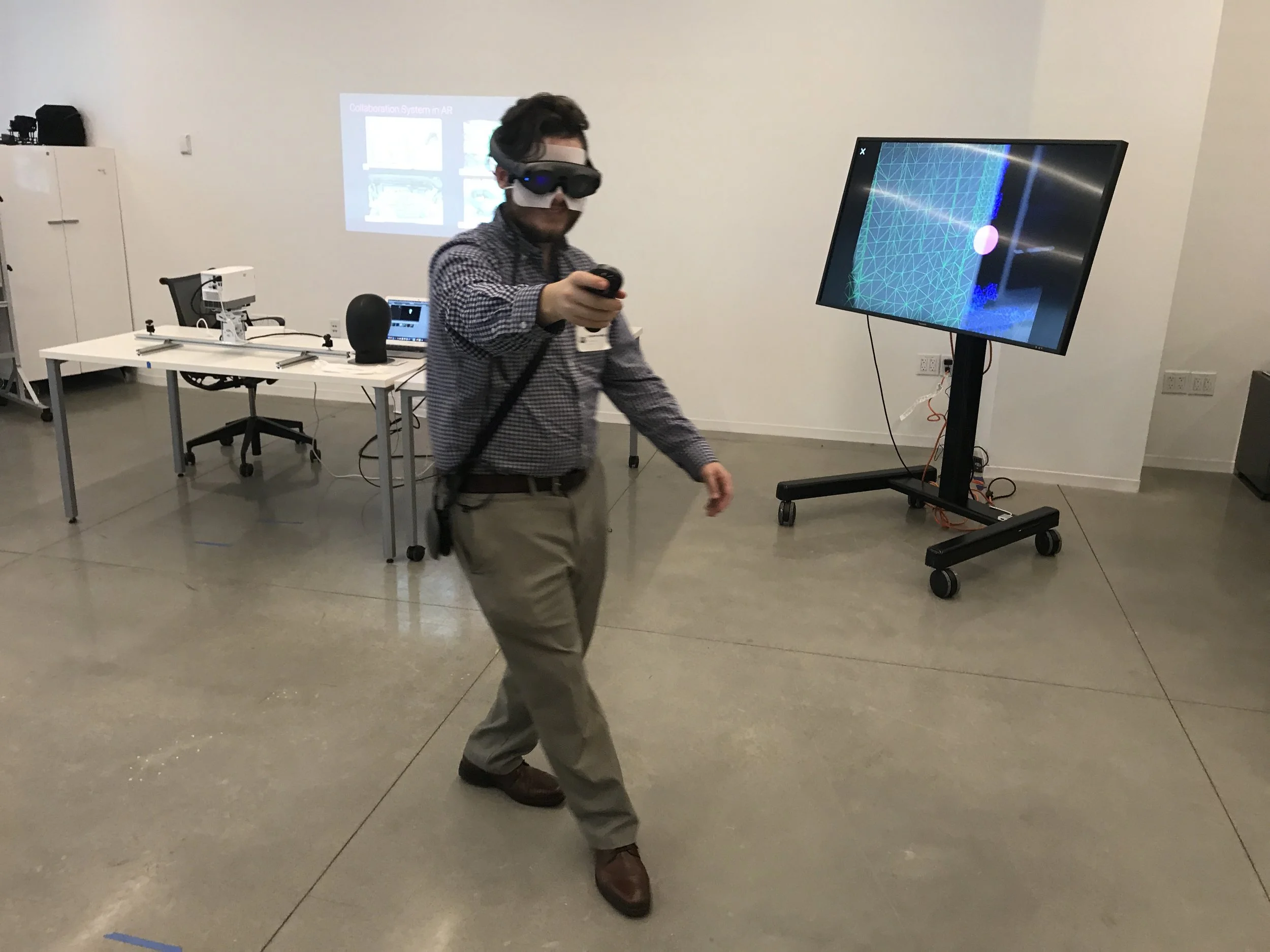
Here’s an example, a laboratory need to train a new research assistant everyday for an entire year? You attach some sticky notes on the arm and record a instruction video? Nope, you use are system! Instructor creates annotations and record voice with the AR headset right on the robot arm, and then the research assistants wear the headset to view the instructions asynchronously. Problem solved!
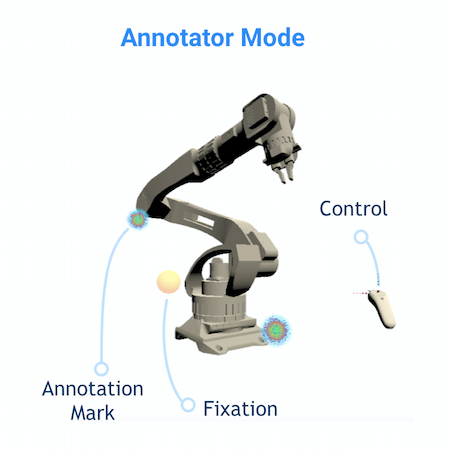
Annotator Mode
Annotator’s headpose, fixation points, voice, hand trailings are recorded.
background music are added to each mode so that users could easily differentiate which mode they are in.
The light sphere is the annotation mark, once activated, we begin to track the controller position.
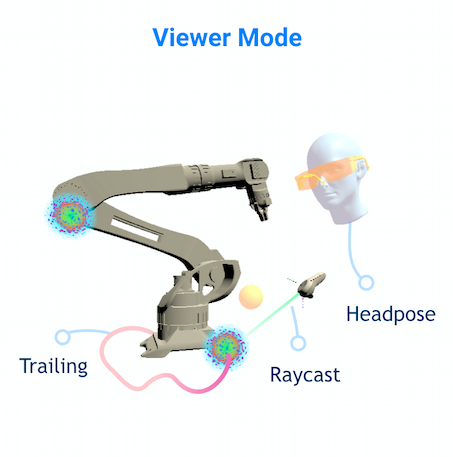
Latest Channel Mode
To reconstruct the angle of view of the annotator, we use
Fixation point
Controller position
Headpose
The pinkish sphere is the one being replay. And the rest of the light spheres are existing annotation marks
Channel Selection Mode
Viewers are able to select specific annotations to review playback with raycasting.
Conclusion
My work demonstrates a virtual annotation method for asynchronously sharing information about the real world.the annotation system represents a step forward in allowing non-technical users to create visual and audio annotations without prior training. Viewers can easily review the recorded drawings, head poses, and fixation points by operating the simple playback control of each annotation mark. Furthermore, viewers can move freely in the real-world space to view the recorded annotations in different angle. We see our work as a stepping stone toward more complicated content creating tools in the mixed reality space. Some use cases are:
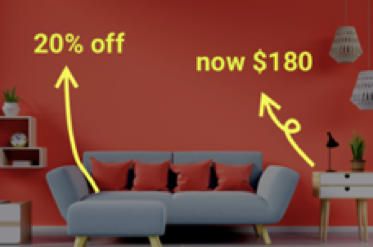
Advertising
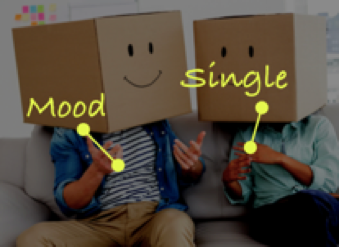
3D Social Media

Spatial Navigation
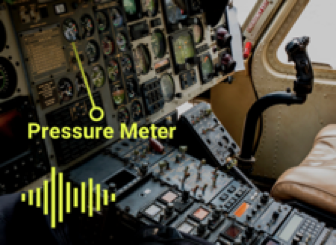
Professional Training
Further study may include user testing on how effective this system is compare over existing non-mixed reality, mobile AR, or VR annotation system. In addition, detail interface design could be improved to create a more intuitive annotation experience.
VR Keyboard Design
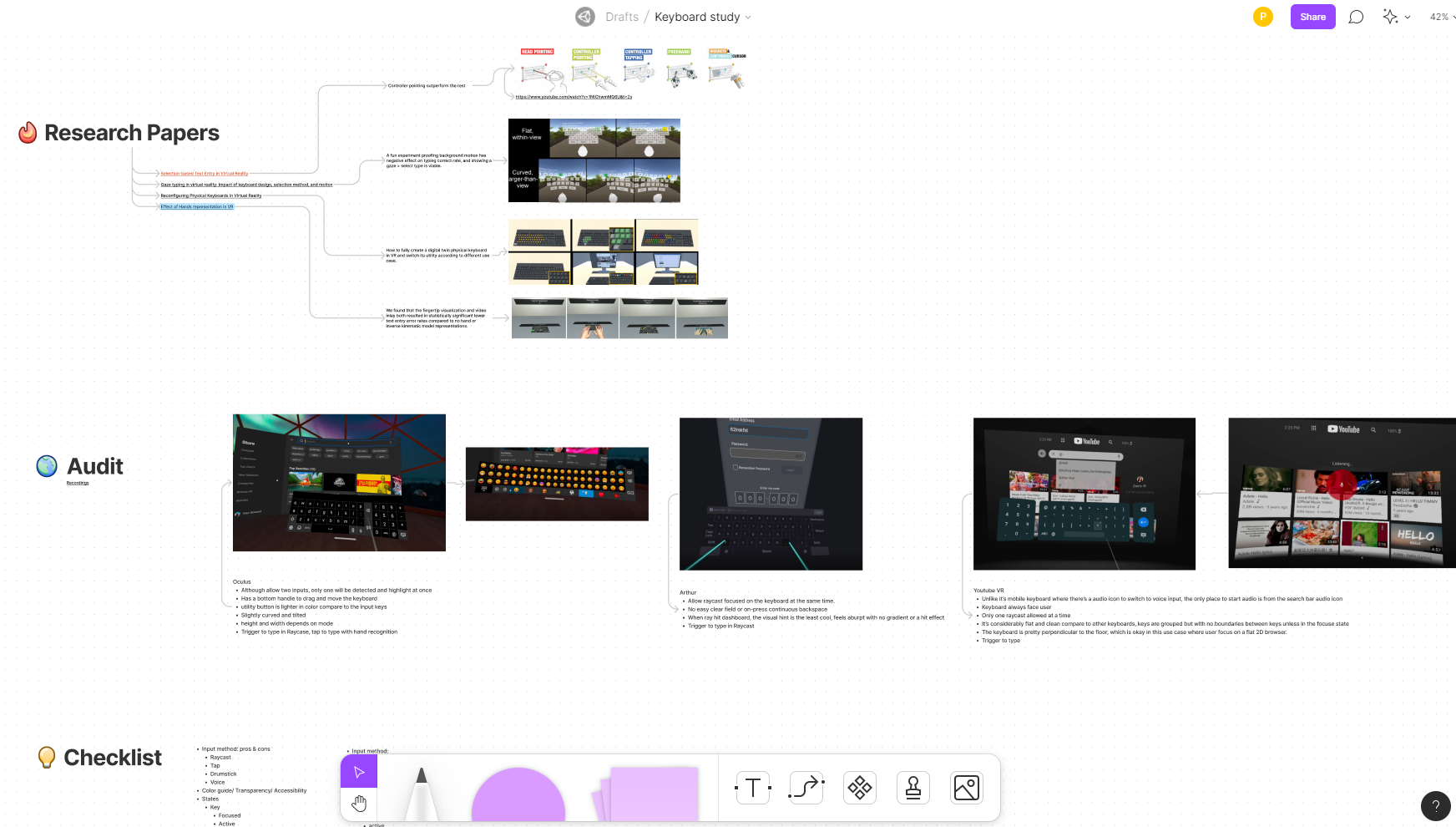
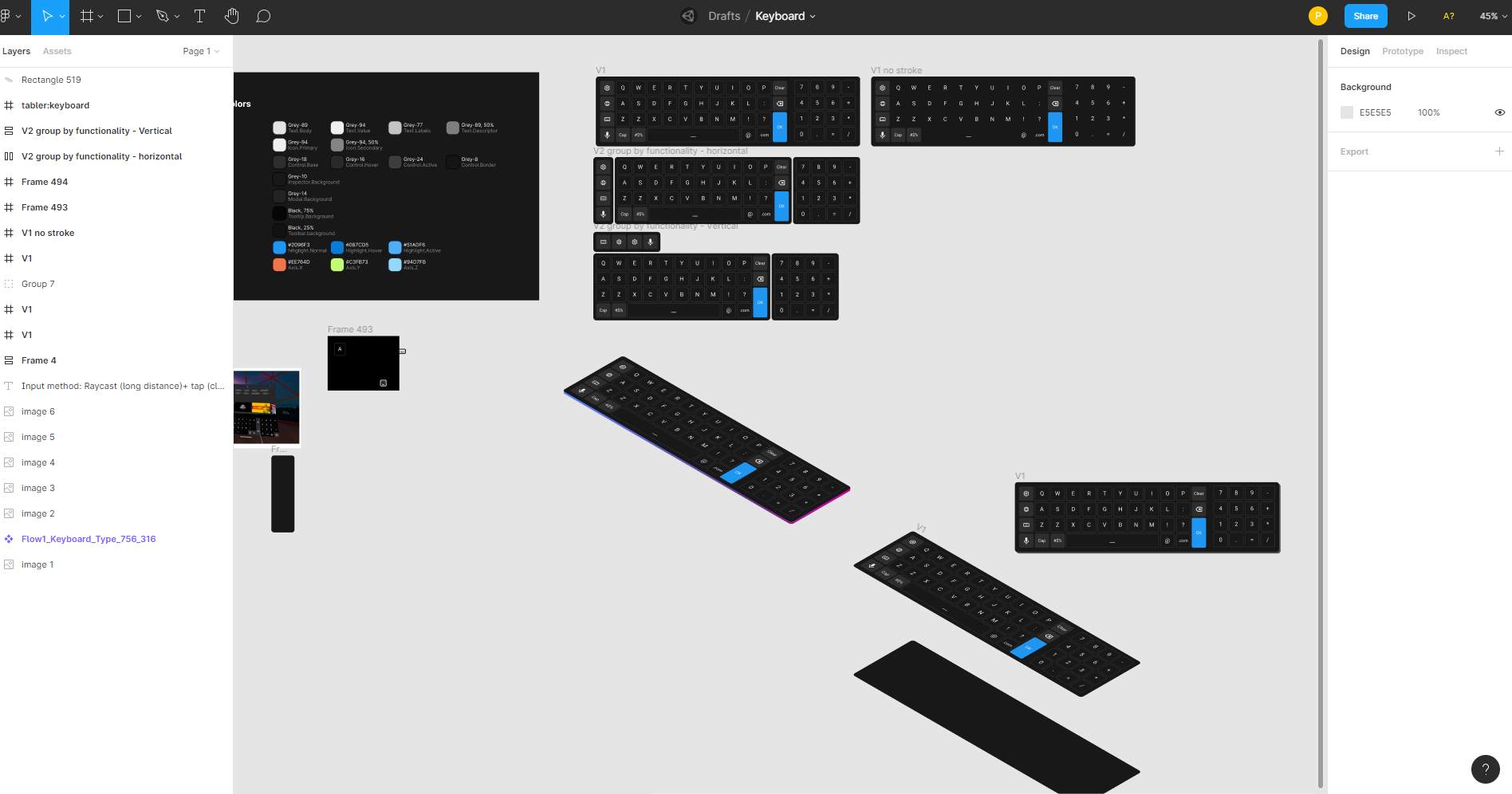
This is an experiment of testing out and figuring out what I considered the most comfortable keyboard input at the time. Researching a range of commont techniques of keyboard in VR space and a set of layout and input ways such as the drumsticks, the finger taps, the physical keyboard. Prototyped in Unity, multi-person available (Just the not left by the keyboard is visible by others).
Mobile AR Space Invader
A good old Space Invaders game in the mobile AR space, multi-player allowed, shoot not only aliens but other players. Mobile AR, multi-person. Prototyped on iPad Pro and Unity.
The original thoughts was to get the space invader working on random real world maps, but the proton and mapbox setup didn’t work out well. This is just the testing of the worldmap for multiplayer mode.
VR Maker Space
Imagining a VR Makerspace, where users interact with all sort of interaction techniques in VR, and with live-data pulling from the realworld. Prototyped in HTC Vive, Unity, single person VR HMD setup.
360 Car Simulator
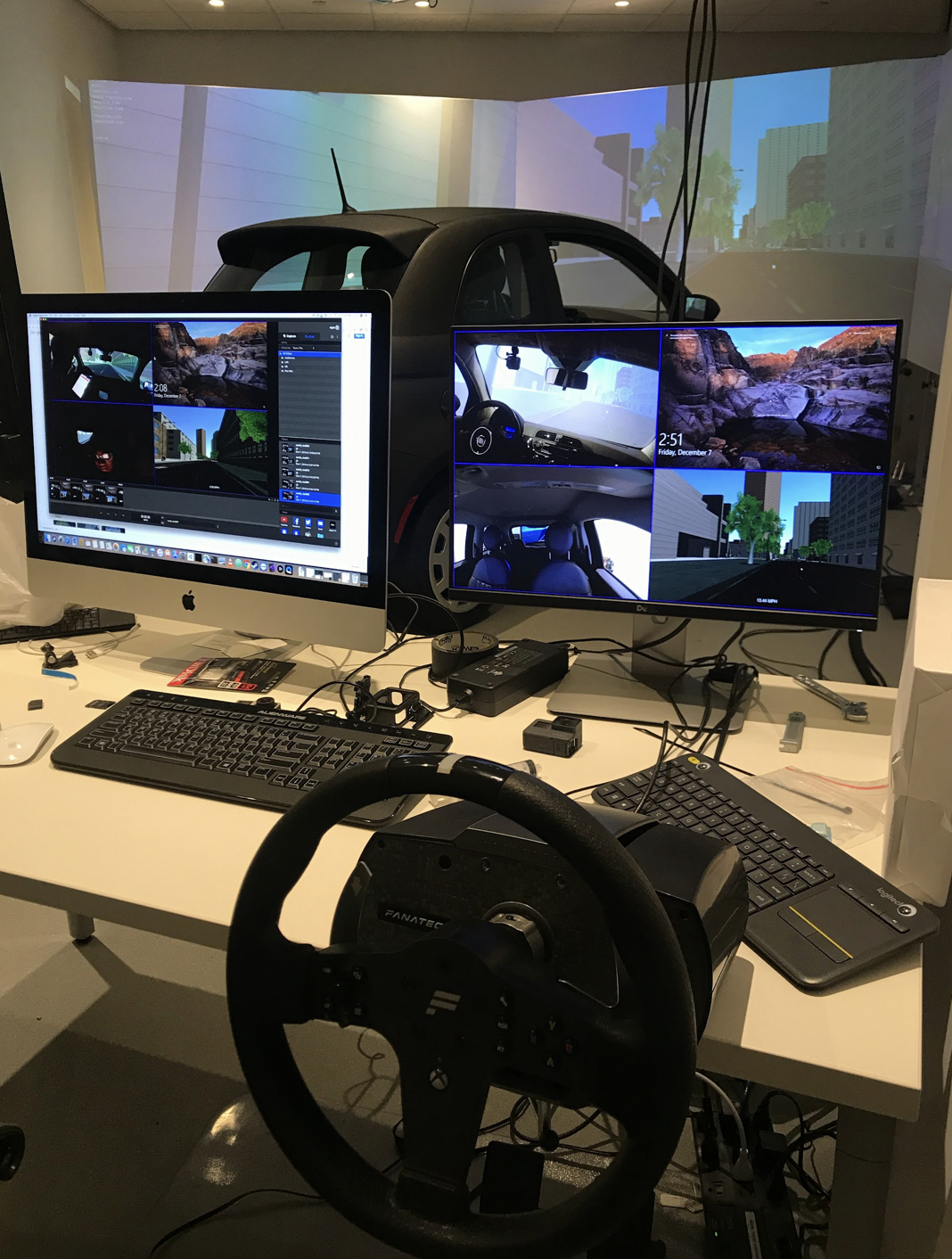
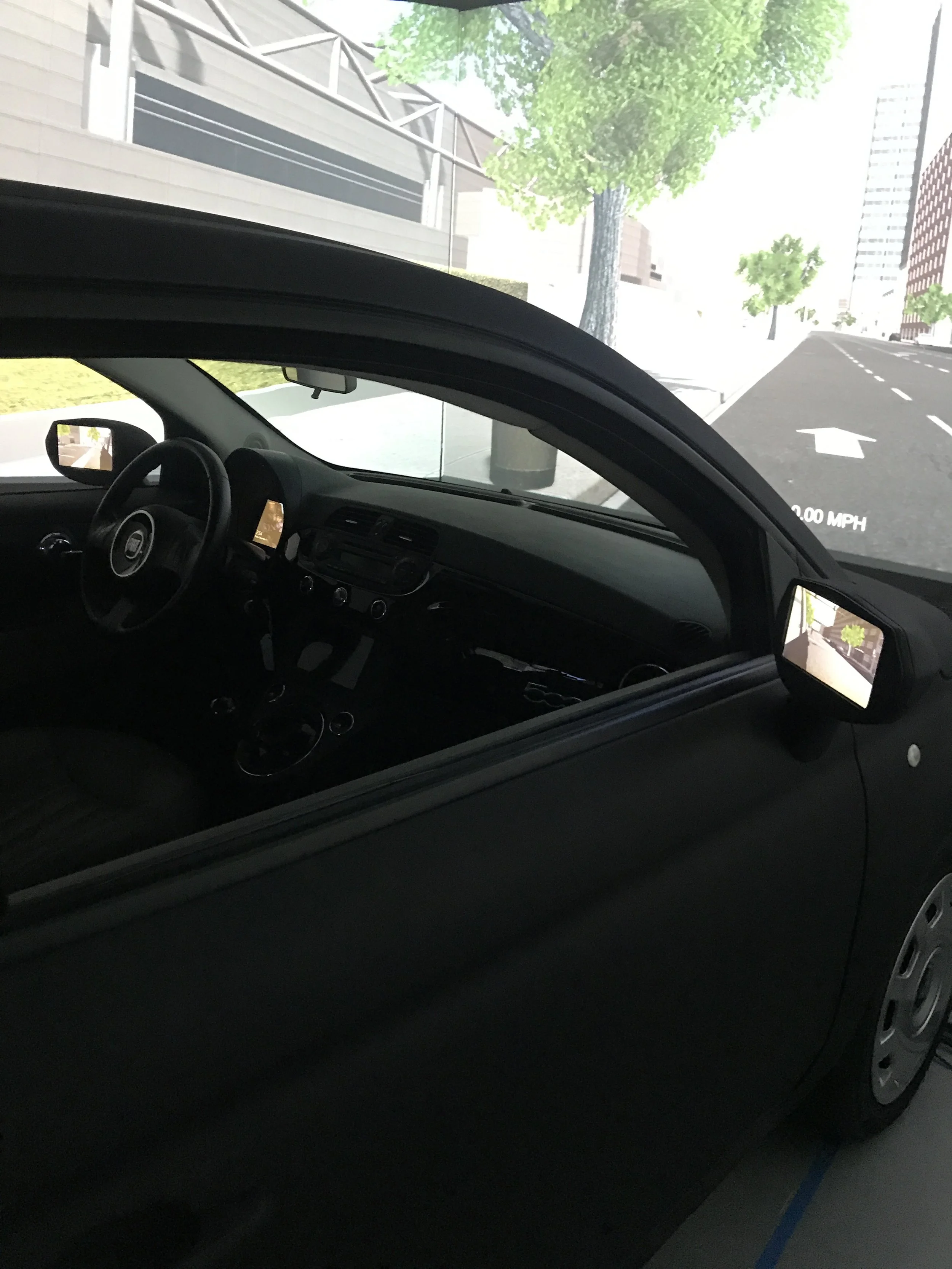
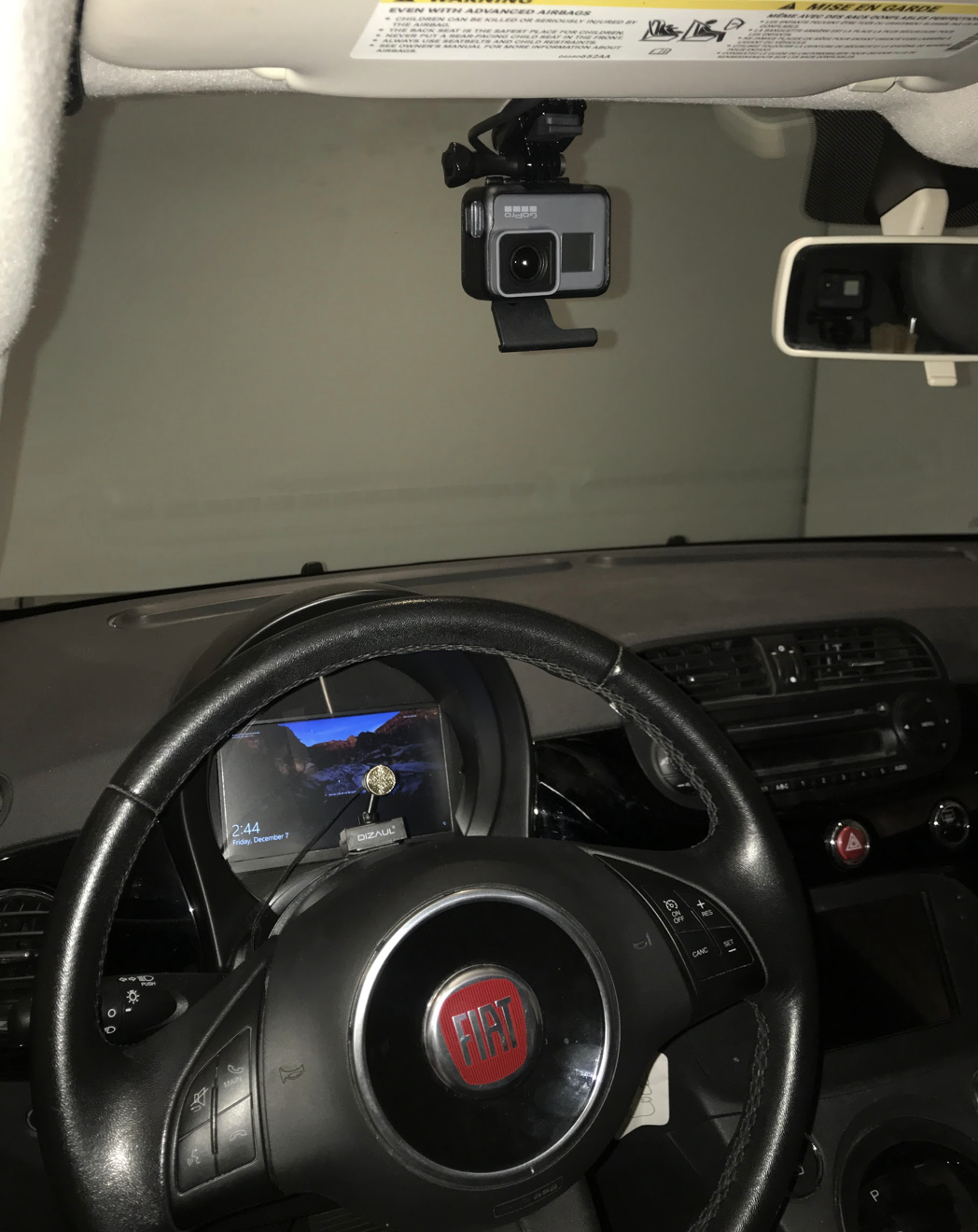
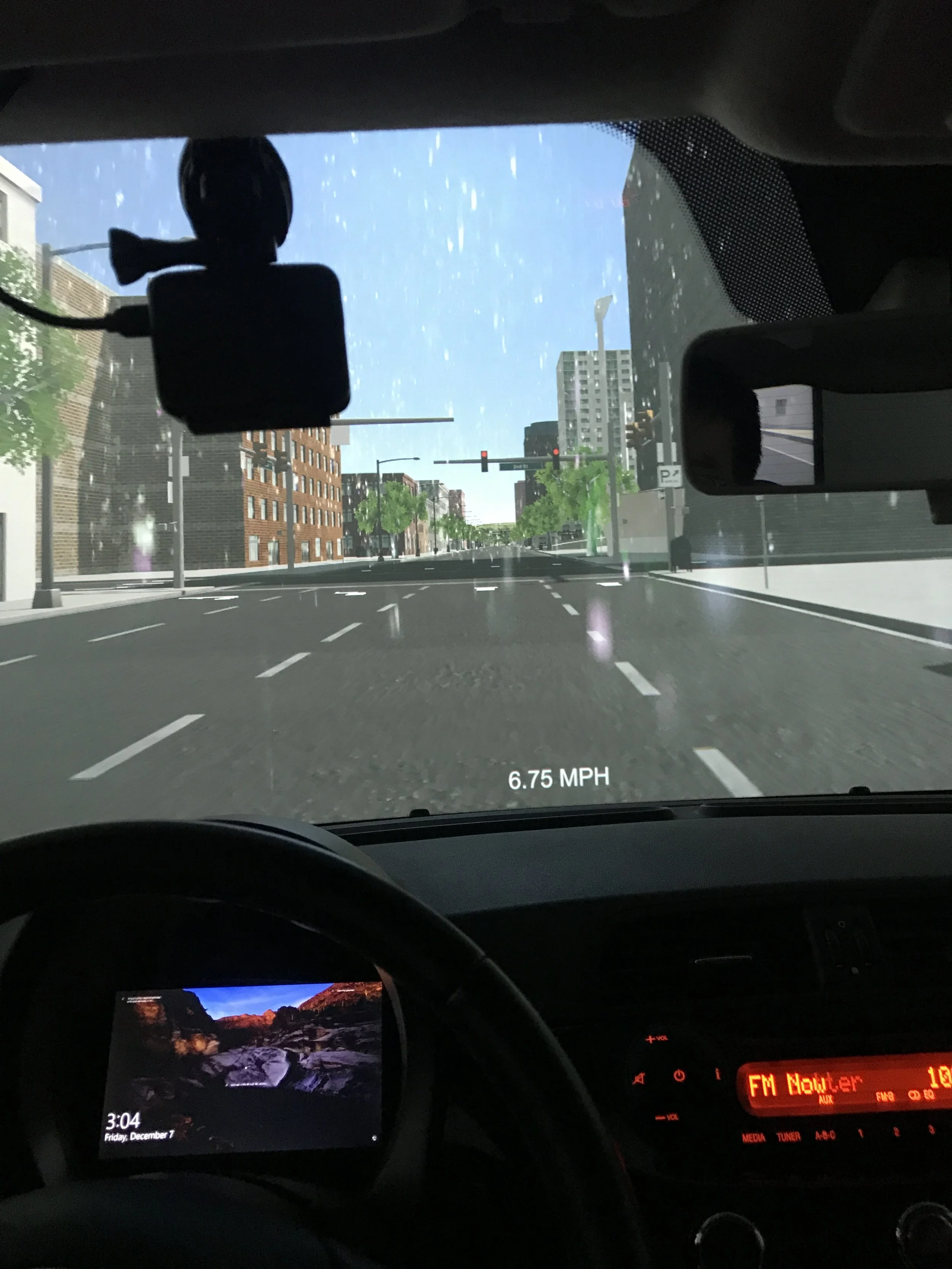
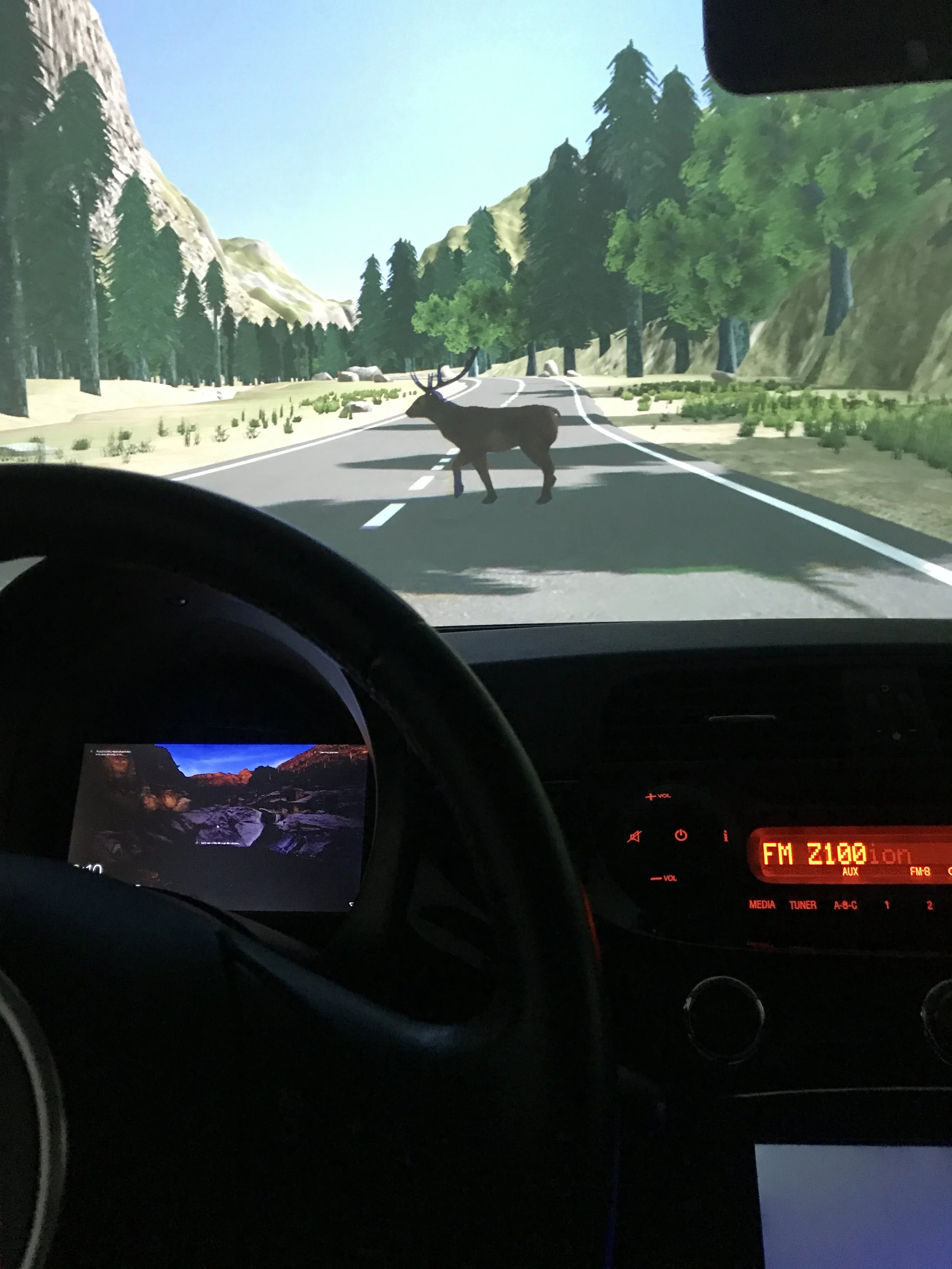
The driving simulator was setup for autonomous driving simulations, we are able to drive remotely from the external steering or to set up preprogrammed route to mimic the self-driving scenario for user testing. I help set up and work with the car simulator mainly for a research on Feedforward Audio icons in Self Driving Cars. Which means we set up a set of scenarios with designed sonification for each scene, and see how the passengers in the car perceives those sounds to create trust and less intrusive awareness between vehicle and passengers. Unfortunately, most recordings during the actual research were not available to share at this moment. 3D experience prototyped in Unity and Land Rover open sourced driving simulator (which they mapped the San Francisco roads in 3D).
Artsy - Wifi Signal Visualizer
Keywords
Mobile AR
Spatial interaction design
Duo Project
Role
Interaction Designer & Front-end Developer
Tool
Unity
ARKit for Unity
Xcode
Date
Dec 2018 - Apr 2019
Env
iOS12.0 on iPhone7
The Artsy wifi signal visualizer is a project funded by Charter Spectrum and NYC Media Lab. At the beginning, we were told to build an AR app that help post installation customer service, which I created the storyboard below.
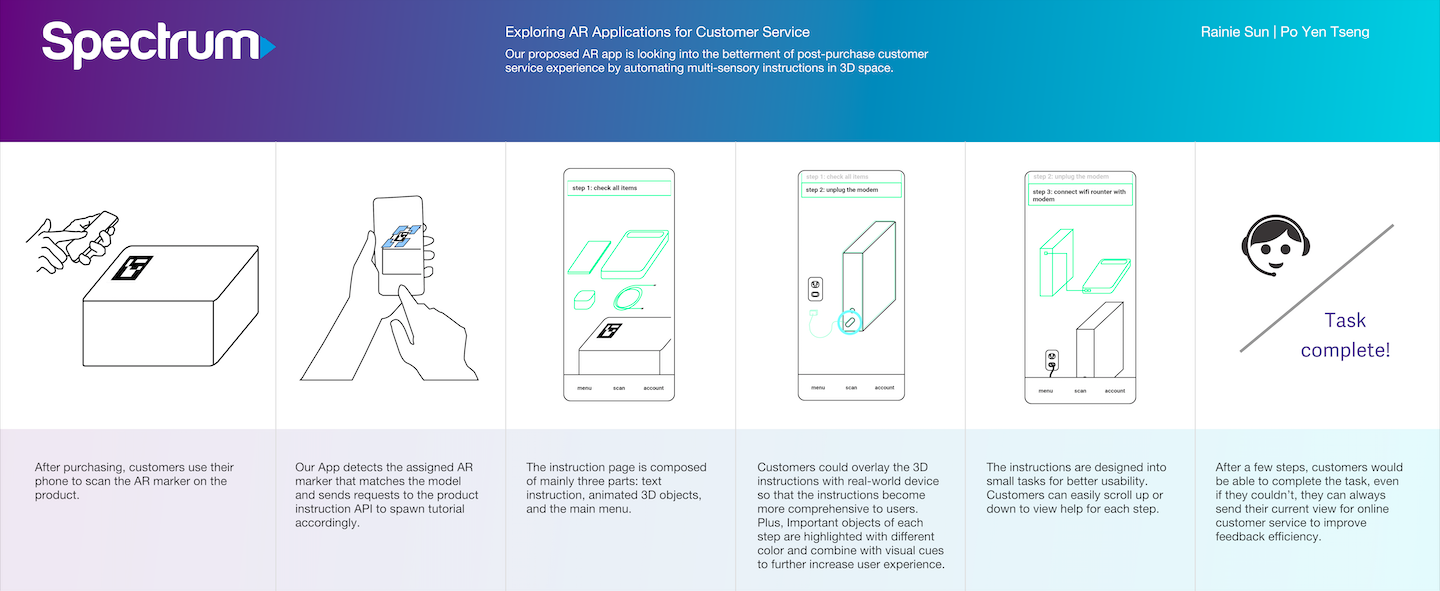
However, we were told to switch to address the “post-wifi-router installation wifi signal visualization” challenge. We thought of the idea below.
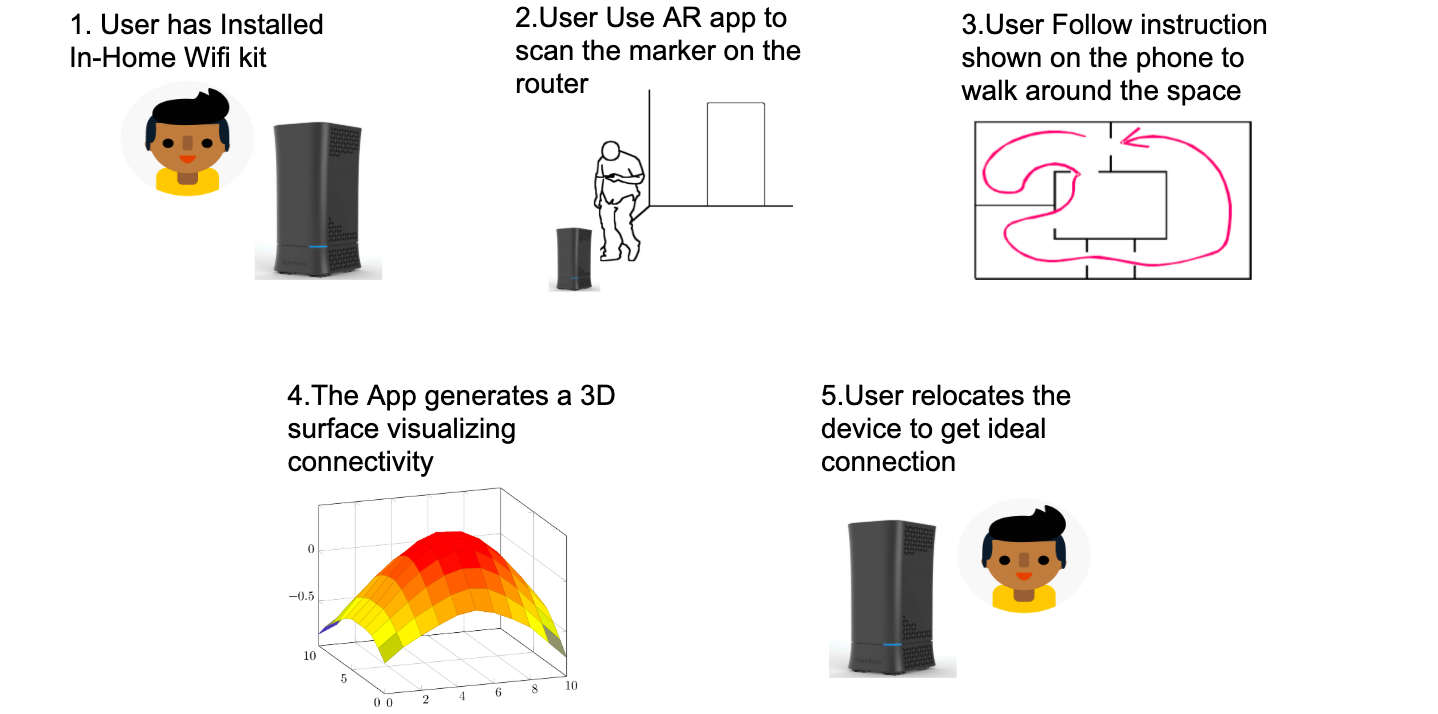
“Users are prompt to walk around the room until enough signal data is collected to generate a connectivity heat plane overlay the mobile screen.”
We were too naive, after user research with a first prototype, we found two problem,
“1. Overlaying a plane is distracting
2. Due to current tech constraint, construct AR world map and collect wifi signal at the same time is slow.”
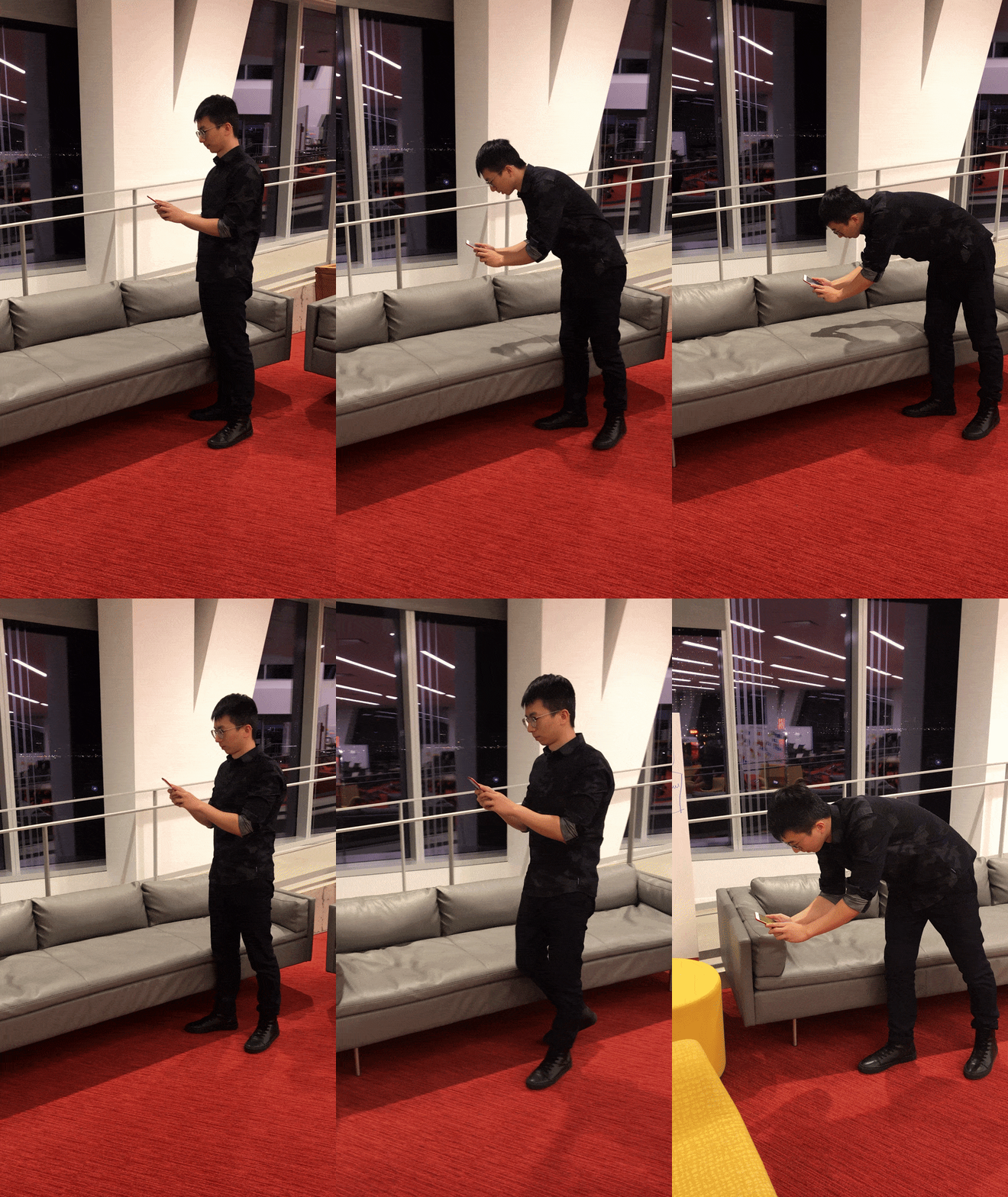
2. AR World Map Construction
To collect feature points data to construct AR map, zoom in-and-out movement is required. Also, it takes a long time to collect enough data depends on the lighting, the color, surface materials, etc, which make the process a bit boring.
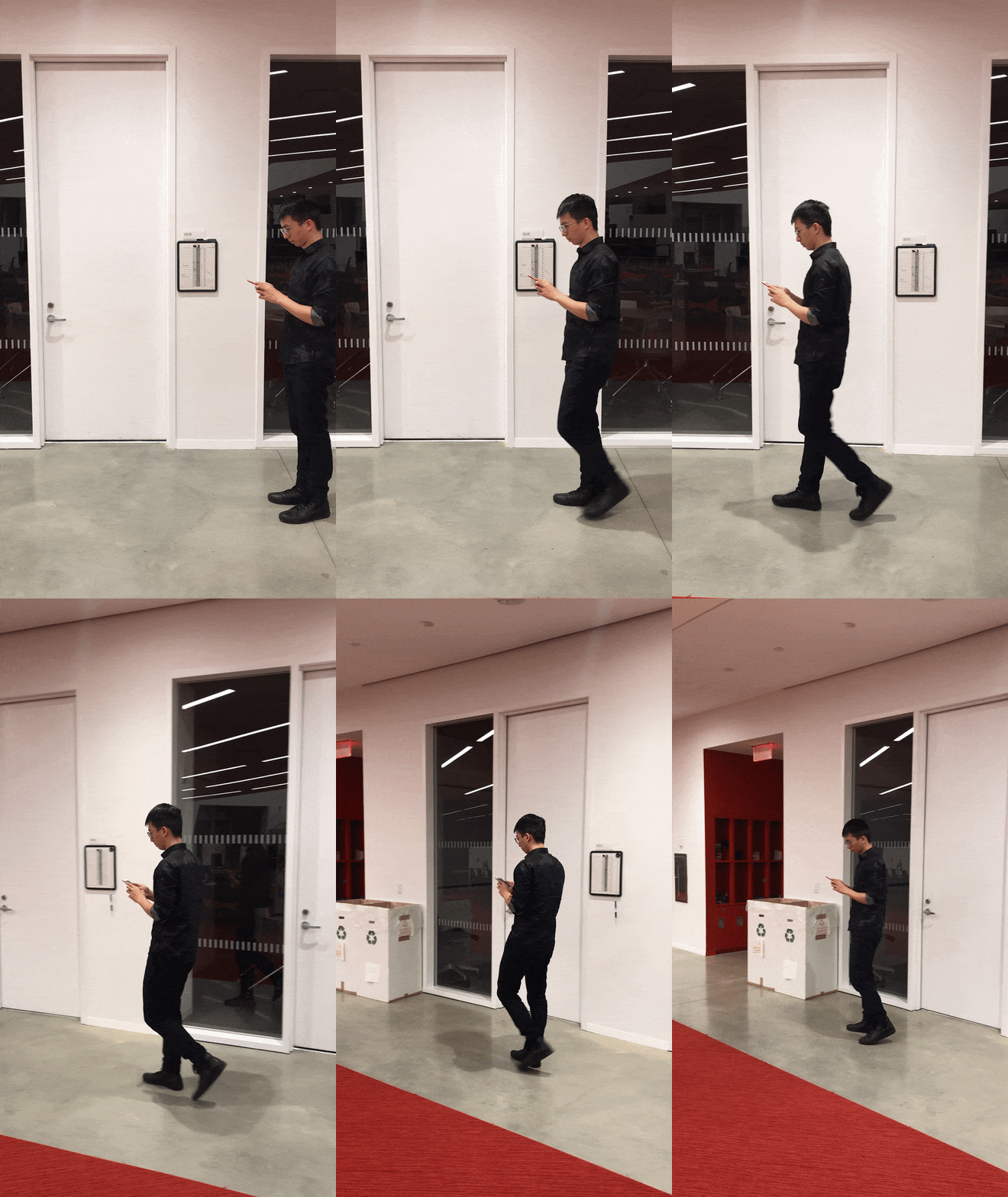
2. Wifi Signal Collection
To collect wifi signal data, user need to have steady horizontal movement in the space.
As you can see from this prototype, overlaying a huge plane in the field of mobile view is distractive and does not provide meaningful insight to users.
***For those who are not familiar with mobile AR (especially ARKit, the Apple AR library we used in this project), those green dots are feature points. Phone camera captures the view and process feature points by computer vision algorithms. These feature points are digital references used to identify the real-world space. With enough collected, ARKit constructs AR world map so we could manipulate virtual content and still maintain its relationship with real-world.
Video missing, will replace if I ever find the original recording
“So wrap it up with a story!”
Wifi Alchemist
As a modern alchemist, you’ve overcome all the struggles of wifi router installation. You finally get a glimpse to the secret of wifi signal. Only a few steps away, you are able to summon the key to connectivity.
Prototype ran on Unity gameplay
To ask our users interact with the surrounding space to construct AR world map and collect wifi signal is hard. We package the interactions cues with the story wifi alchemist to make each step more interesting. Users are now prompt to hit(touch) the glowing orbs spawning on the screen. We deliberately make each orb takes up 5 touches to collect so that users stop moving in the space and maintain same field of view for a while, which is needed to collect feature points to construct AR World Map. Also, instead of overlaying a giant plane, we decided to go old-fashion, a giant arrow pointing to the sweet/terrible spot for visualizing wifi strength.
“This is fun, we need it right now in our office!”
A demo of the final app
Result
This prototype received very positive feedback from the Spectrum team and was demonstrated to over 500 industry professionals during NYC Media Lab Demo Day. Special thanks to my partner Rainie Sun, current software engineer at Facebook.
Takeaways
I learned a lot in designing mobile AR interactions, some common behavior models are not applicable due to current constraint. In addition, I have a deeper understanding of design and developing with ARKit (took up so much time to build and test on real phone even with ARkit remote… ). I also learned the limitations of iOS, it is not possible to pull numerical wifi signal strength from iOS phone( which is available on Android). It is a great honor and fun experience to work with my NYC Media Lab cohort and I learned a lot on how to design proper cues to trigger user interest in game design.